The Anatomy of a DataStage .dsx Export File
DataStage stores job definitions in .dsx files—a proprietary, deeply nested format with undocumented record structures, stage-specific grammars, and cross-referencing between containers. Parsing these files requires understanding hundreds of stage types, each with unique configuration schemas.
Unlike standard formats like JSON or XML, .dsx files use a custom block syntax with implicit relationships between records, context-dependent semantics that vary by job type, and an expression language that must be parsed and translated to any target platform. The sheer variety of stage types, configuration options, and expression functions makes building a comprehensive parser an enormous engineering challenge—one that grows with every DataStage version and custom stage plugin in use.

IBM DataStage to Apache PySpark migration — automated end-to-end by MigryX
Challenges in Parsing DataStage: Beyond Simple Text Extraction
Parsing a .dsx file is far more complex than simple text extraction. The format contains implicit relationships, context-dependent semantics, and edge cases that naive parsers miss:
Parallel Jobs vs. Server Jobs
Parallel and server jobs use different stage types, different expression languages, and different execution models. A parallel Transformer stage uses DataStage’s parallel expression language (with functions like DateDiff(), StringToDate(), and DecimalToString()), while a server Transformer stage uses BASIC-derived syntax (with functions like Oconv(), Iconv(), and Field()). A parser must detect the job type and apply the correct expression grammar.
Derived Column Expressions
Derivations can range from simple column pass-throughs (InLink.customer_id) to deeply nested expressions with conditional logic, string manipulation, date arithmetic, and type casting. Consider this production-grade derivation:
If IsNull(InLink.revenue) Then 0
Else If InLink.currency = 'EUR' Then
   InLink.revenue * LookupLink.exchange_rate
Else InLink.revenue
This expression references columns from multiple input links (a data link and a lookup link), uses null-checking functions, and applies conditional branching. The parser must resolve each column reference to its source stage and track the data type through each operation.
SQL Overrides
Source stages in DataStage often contain custom SQL statements that override the default “SELECT * FROM table” behavior. These SQL statements can include complex joins, subqueries, window functions, and database-specific syntax. The parser must extract these SQL blocks and either pass them through to the target platform or translate database-specific functions.
Partition Strategies
DataStage parallel jobs allow explicit partition configuration on every link: hash, modulus, range, round-robin, same, entire, or auto. The partition strategy affects data distribution across processing nodes and can impact the correctness of aggregations and joins. A faithful parser must capture these partitioning directives and map them to equivalent Spark partitioning when it matters for correctness.
Runtime Column Propagation
DataStage supports runtime column propagation (RCP), where columns not explicitly defined in a stage’s schema are automatically passed through. This means the actual column set at runtime may differ from what the design-time schema shows. A parser must detect RCP settings and handle the “pass all columns” semantic correctly.
MigryX: Purpose-Built Parsers for Every Legacy Technology
MigryX does not rely on generic text matching or regex-based parsing. For every supported legacy technology, MigryX has built a dedicated Abstract Syntax Tree (AST) parser that understands the full grammar and semantics of that platform. This means MigryX captures not just what the code does, but why — understanding implicit behaviors, default settings, and platform-specific quirks that generic tools miss entirely.
MigryX’s Parsing Architecture: From .dsx to Target Code
MigryX’s parser handles the full complexity of DataStage exports—parallel jobs, server jobs, sequence jobs, shared containers, local containers, and every stage type. The result is a complete, semantically accurate representation of the job’s logic, ready for conversion to any target platform.
Whether your DataStage environment contains dozens of jobs or thousands, MigryX processes the entire portfolio with consistent accuracy—resolving cross-job dependencies, expanding container references, and normalizing the differences between parallel and server runtime semantics into clean, production-ready target code.
Consider a typical DataStage Transformer stage with multiple output columns: string concatenation across input fields, date arithmetic using DataStage-specific functions, conditional logic with null handling, and pass-through columns from multiple input links. A single Transformer can contain dozens of these derivations, each using a different combination of DataStage expression functions, type casts, and cross-link column references.
MigryX converts this multi-derivation Transformer into clean, optimized target code—whether PySpark, Snowflake SQL, or dbt—preserving every column derivation, filter condition, and data type mapping.
+95% parsing Accuracy: Zero Data Loss from Source to Target
MigryX’s parser has been validated against thousands of production DataStage jobs across financial services, healthcare, and retail organizations. Every stage type, expression function, partition strategy, and container reference in the DataStage parallel and server runtime is covered. When the parser encounters an unrecognized construct, it flags it for manual review rather than silently dropping it—ensuring that no logic is lost in translation.
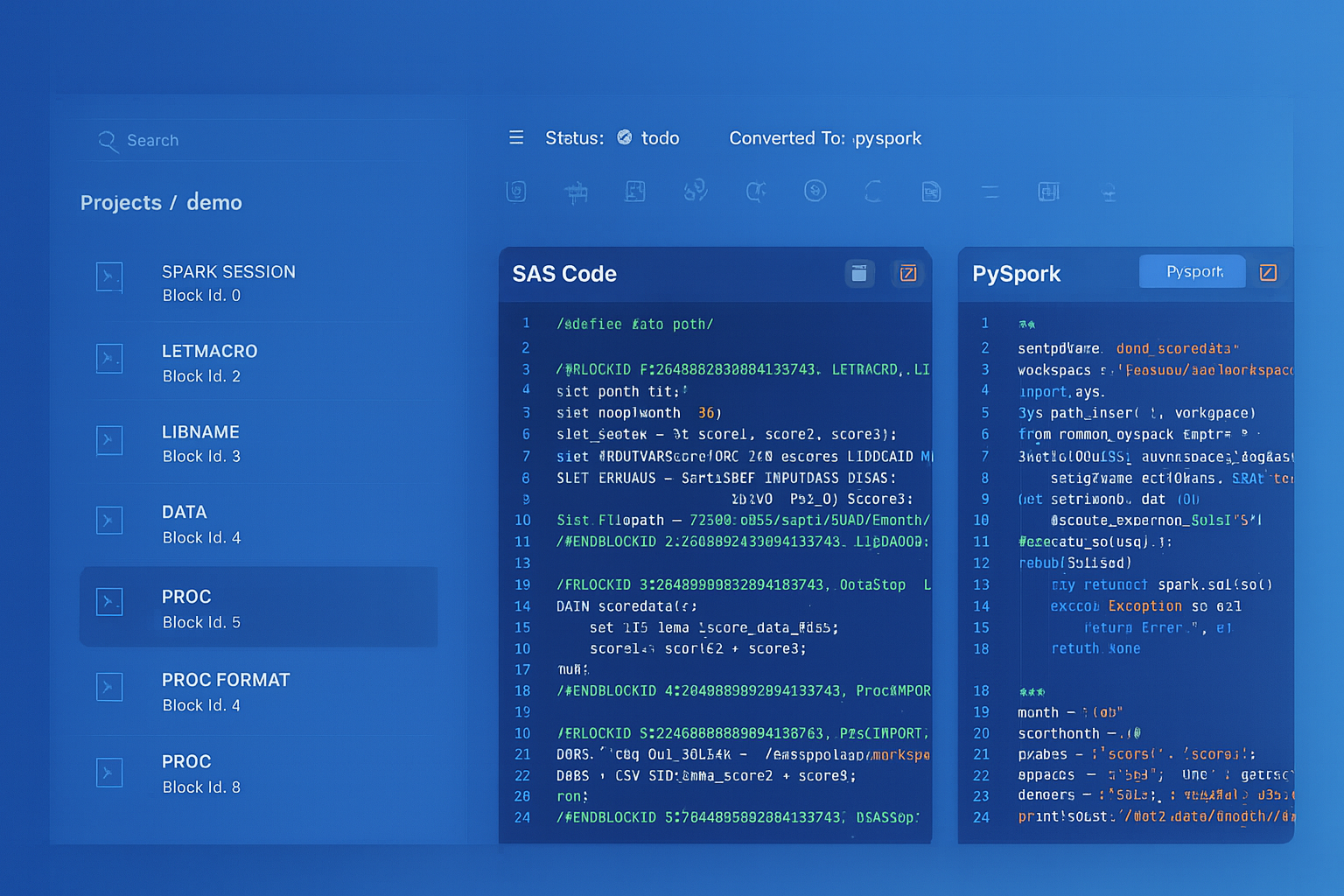
From parsed legacy code to production-ready modern equivalents — MigryX automates the entire conversion pipeline
From Legacy Complexity to Modern Clarity with MigryX
Legacy ETL platforms encode business logic in visual workflows, proprietary XML formats, and platform-specific constructs that are opaque to standard analysis tools. MigryX’s deep parsers crack open these proprietary formats and extract the underlying data transformations, business rules, and data flows. The result is complete transparency into what your legacy code actually does — often revealing undocumented logic that even the original developers had forgotten.
Column-Level Lineage Extraction
One of the most valuable outputs of parsing is column-level lineage—the complete trace of how each output column in a target table is derived from source columns, through every transformation stage in the job.
MigryX extracts column-level lineage through every stage in the job, producing audit-ready documentation that maps each target column back to its source through every transformation. This lineage is critical for regulatory compliance (BCBS 239, HIPAA data mapping) and data governance audits, and it is preserved through the entire migration process.
Testing and Validation of Converted Pipelines
Parsing accuracy means nothing without validation. MigryX validates converted jobs at multiple levels—from schema consistency through row-count reconciliation to statistical profiling—ensuring the migrated code produces identical results to the original DataStage job. Every discrepancy is flagged with clear diagnostics so your team can verify correctness with confidence before going to production.
From Parsing to Production: The Complete Pipeline
Parsing is the foundation, but it is just one step in the end-to-end migration pipeline. Here is how all the pieces fit together in a MigryX-powered DataStage migration:
- Ingest: Upload
.dsxexports or connect MigryX directly to your DataStage repository via the Information Server REST API. MigryX handles both methods seamlessly. - Parse: The multi-stage parser processes every job, extracting stages, links, derivations, partitions, containers, and metadata into the intermediate representation.
- Analyze: MigryX classifies each job by complexity, identifies dependencies between jobs, maps data lineage end-to-end, and generates a migration readiness report.
- Generate: The code generation engine emits target code (PySpark, Snowpark, or dbt SQL) for each job, including orchestration code for sequence jobs and parameterization for runtime variables.
- Validate: Automated validation compares the DataStage output against the converted pipeline output using the multi-level validation framework described above.
- Deploy: Validated code is packaged for deployment to the target platform—Databricks notebooks, Snowflake stored procedures, or dbt project files—with CI/CD integration for ongoing maintenance.
Each step is auditable, repeatable, and produces artifacts that support governance requirements. The parsing layer ensures that nothing is lost between the source DataStage design and the target code—every column, every expression, every partition strategy is accounted for.
Why MigryX Is the Only Platform That Handles This Migration
The challenges described throughout this article are exactly what MigryX was built to solve. Here is how MigryX transforms this process:
- Deep AST parsing: MigryX’s custom-built parsers achieve 95% accuracy on every supported legacy technology — not through approximation, but through true semantic understanding.
- Merlin AI augmentation: Where deterministic parsing reaches its limit, Merlin AI resolves ambiguities and implicit behaviors, pushing accuracy to 99%.
- Complete coverage: MigryX supports 25+ source technologies including SAS, Informatica, DataStage, SSIS, Alteryx, Talend, ODI, Teradata, and Oracle PL/SQL.
- End-to-end automation: From parsing to conversion to validation — MigryX automates the entire pipeline, not just one step.
MigryX combines precision AST parsing with Merlin AI to deliver 99% accurate, production-ready migration — turning what used to be a multi-year manual effort into a streamlined, validated process. See it in action.
Ready to modernize your legacy code?
See how MigryX automates migration with precision, speed, and trust.
Schedule a Demo